Clickism
Textures
Textures are used by road signs, symbols, and plate elements.
There are two types of textures in ClickSigns: static textures, tilesets.
Static Textures
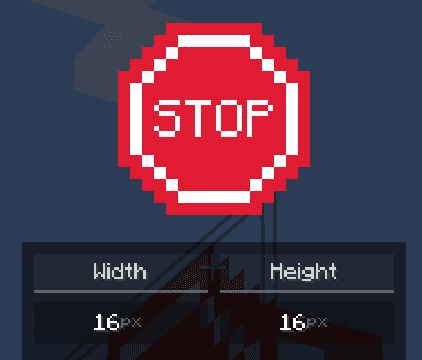
Static textures are regular images that have a set size. They can be used for more complex signs, but they will only have a single texture.
Tilesets
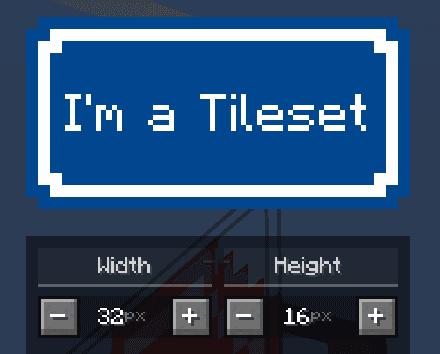
Tilesets are textures, that can be extended to any size. They offer a simple and easy way to create a sign of any size, without needing to create a new texture for each size.
Keep in mind that only static textures and tilesets can be used for the front/back textures of a road sign and also for plate elements.Symbol textures are only used for symbol elements.
Symbol Textures
Symbols behave the same way as static textures, but they offer more flexibility. Some symbols (such as arrows) will adapt to the background of the road sign, so that they are always visible. (e.g. a black arrow on a white sign, but a white arrow on a blue sign)

Road signs, symbols, and plate elements all have textures.
As you might have noticed, arrows in ClickSigns will automatically adapt to the background of the road sign, and that tilesets can be extended to any size. This is internally made possible by the texture pipeline system in ClickSigns. Thankfully, this system is also made available to you via the editor, so you can create and combine textures and texture processor to create your own custom textures, without needing a resourcepack!
Texture Pipeline
We have seen that some symbols will change their color to match the background of the road sign, and tilesets can be tiled to any size. This is made possible internally by the texture pipeline system in ClickSigns.
Thankfully, you also have access to this powerful system via the editor! So you can create and combine textures and texture processors to create your own custom textures, without needing to create a resourcepack!
Texture Source
Textures in ClickSigns are generated from texture sources. A texture source defines how a texture is generated and consists of the following components:
- Base Texture – The base image (an asset from a resourcepack, or a default ClickSign asset)
- Texture Processors – A list of texture processors that are applied to the base texture, one after another
A texture source will then be used to generate and cache the final texture, and be displayed on the road sign, symbol, plate, etc.
Texture Processors
Currently, there are the following texture processors available:
Tiler
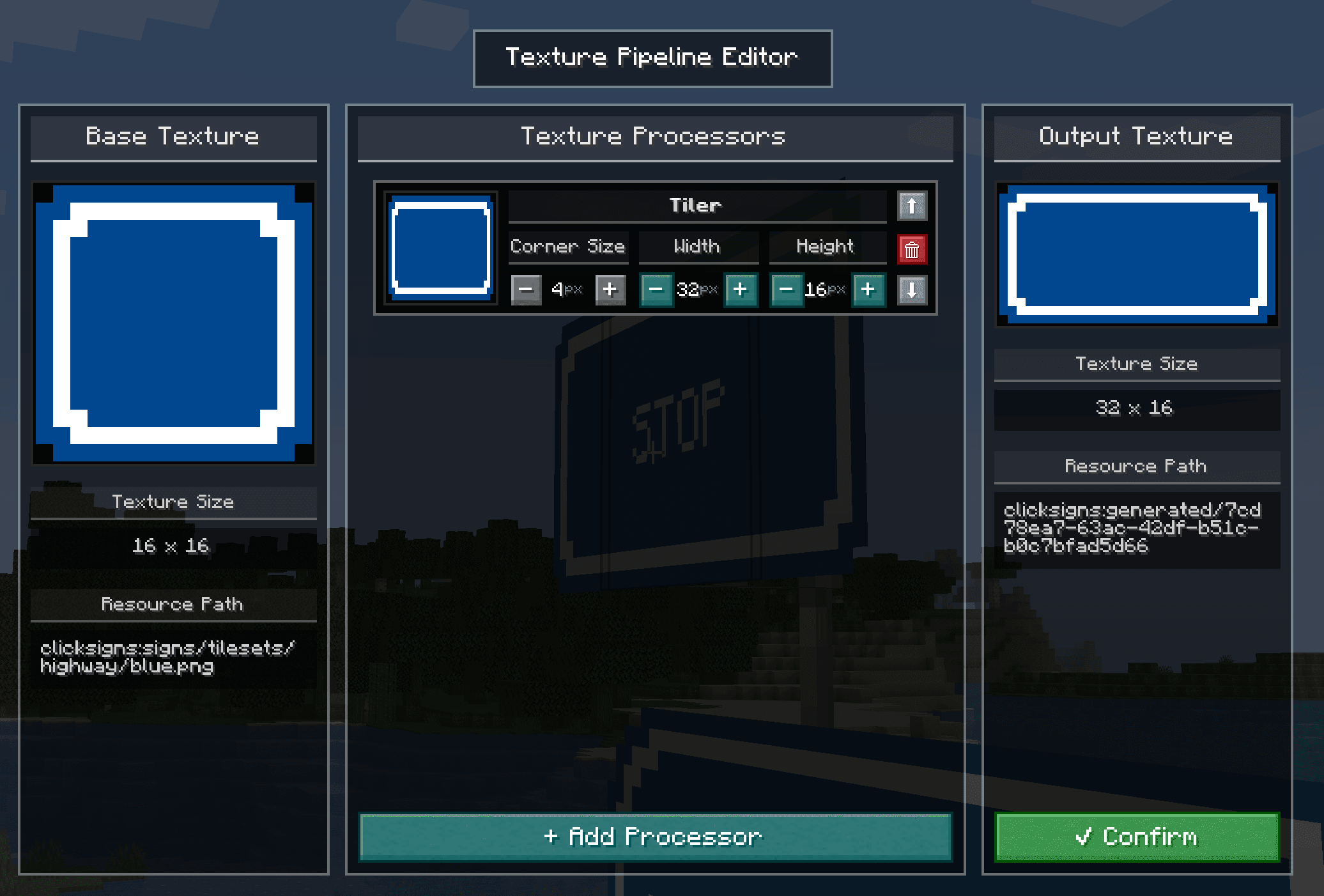
Tiles a texture to any width and height, given a cornerSize.
The corner size defines the size of the corners of the textures, which will not
be tiled.
Replace Color
Replaces a given color in a texture with another color, ignoring the alpha channel.
If no from color is given, it will replace all colors in the texture with the to color.
Flip
Flips a texture horizontally or vertically.
Rotate
Rotates a texture by a given angle in degrees using nearest neighbor interpolation.
Examples
-
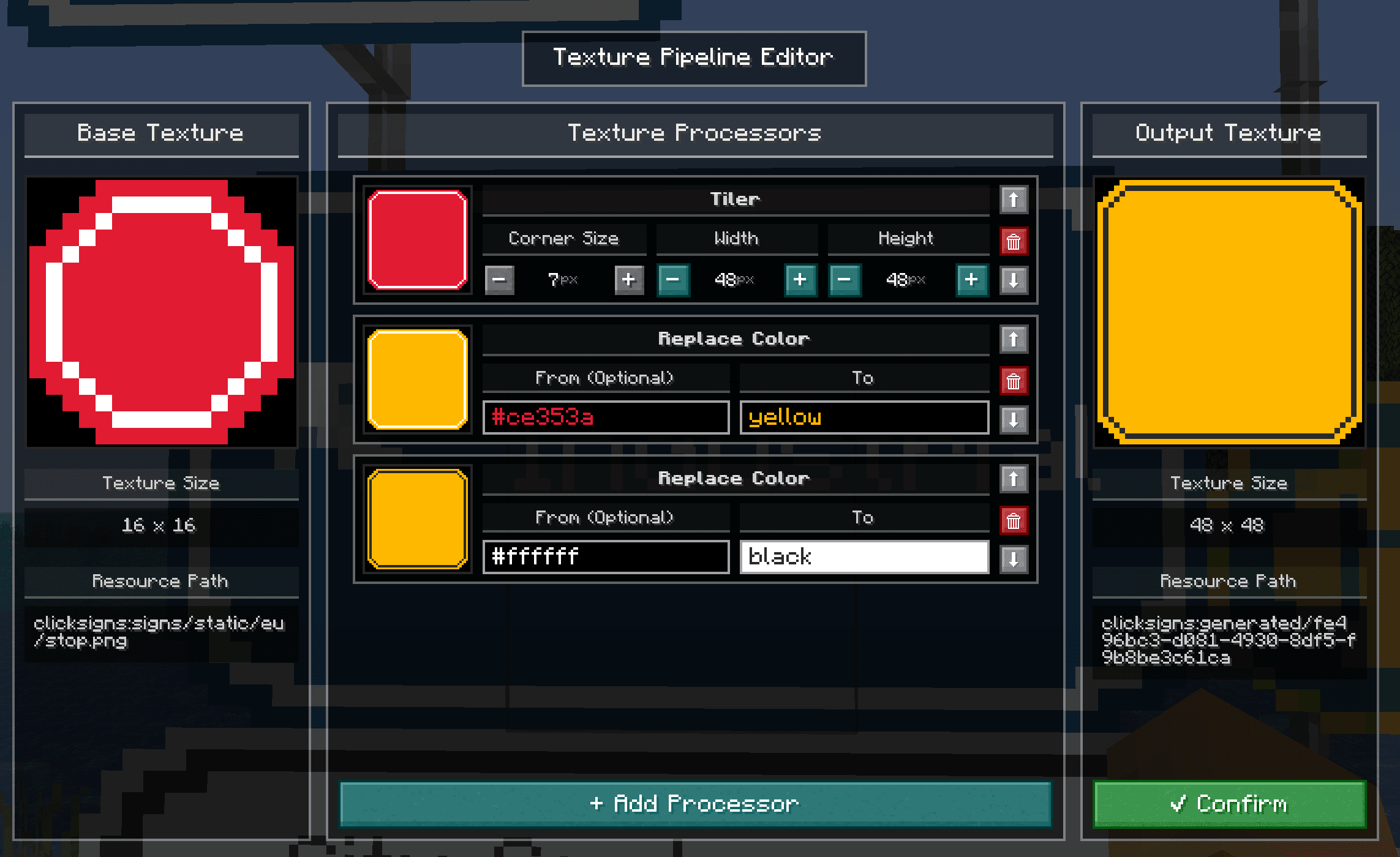
We can tile a normally static texture, and replace a few colors to create a completely new texture:
-
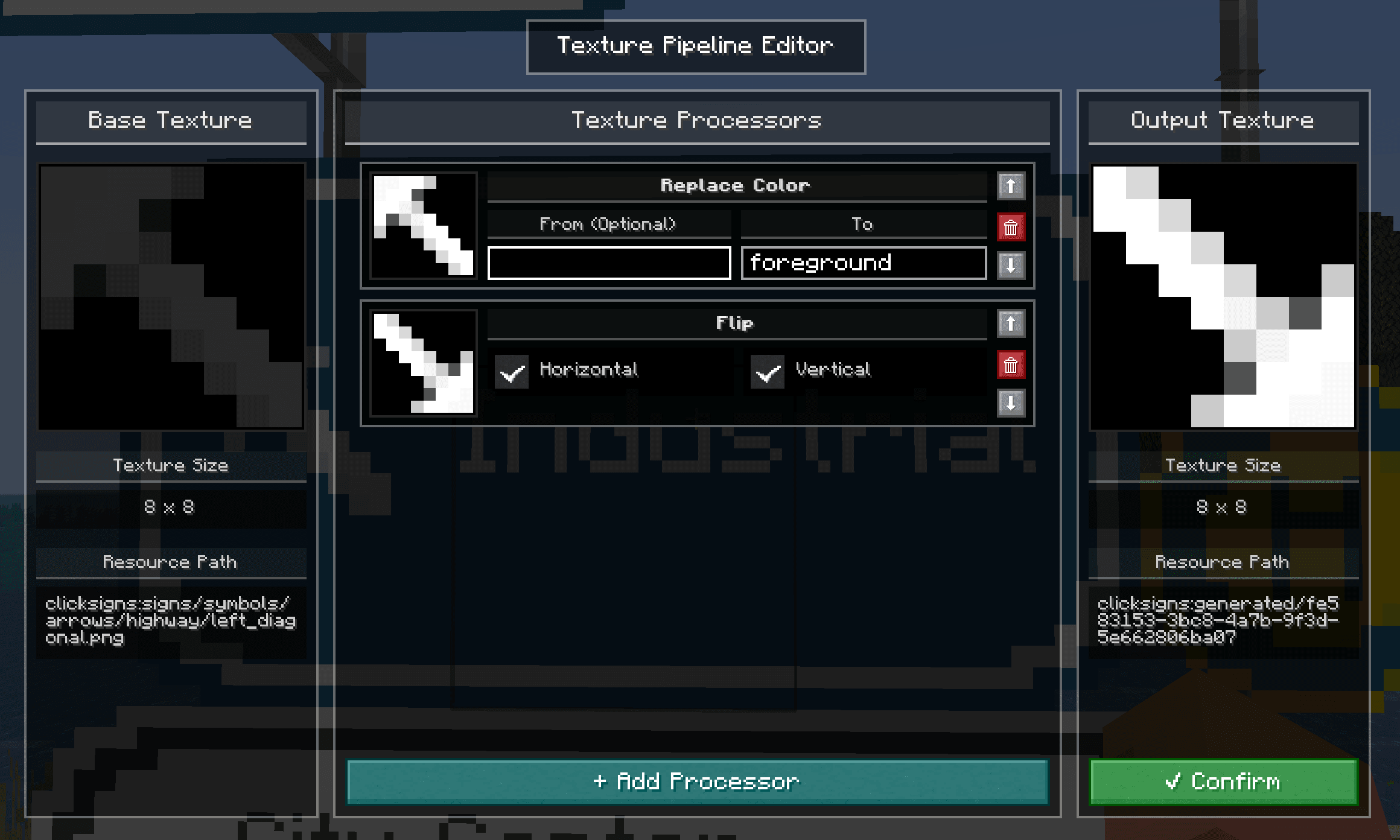
We can flip a symbol to create a new symbol:
Here we can also see the default "Replace Color" processor in action, that replaces all colors with the foreground color of the sign